

Know Whether an Image Was AI Generated
FotoFidelity analyzes images for AI generation indicators, invisible watermarks, metadata, compression artifacts, and visual inconsistencies to help you better understand an image's origin.
Built for stronger context
Three layers of evidence. One understandable report.
FotoFidelity brings provenance signals, file-level inspection, and visual forensics together so you can evaluate an image with more context.
AI Watermark Detection
Detect invisible provenance signals and watermarks added by supported AI image generators.
Metadata Analysis
Inspect image metadata for evidence that editing software or AI tools may have been used.
Visual Artifact Detection
Analyze textures, edges, patterns, and compression characteristics for signs of AI generation.
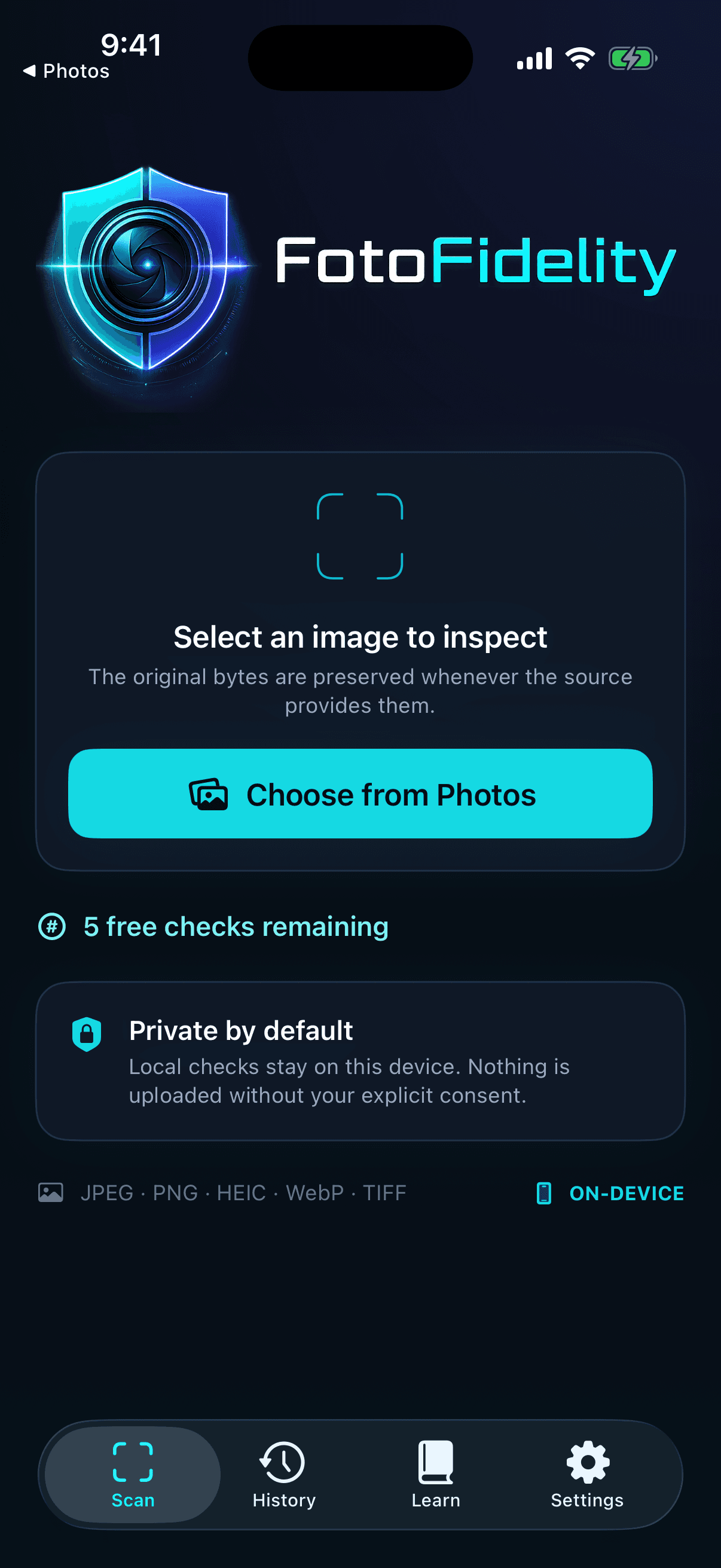
Upload any image
Start with the image you already have.
Choose a photo from your library and preserve the original bytes whenever the source makes them available. FotoFidelity keeps the path from image to report focused and clear.
- Upload from Photos
- Drag and drop support
- Camera support
- Fast cloud analysis
Intelligent analysis
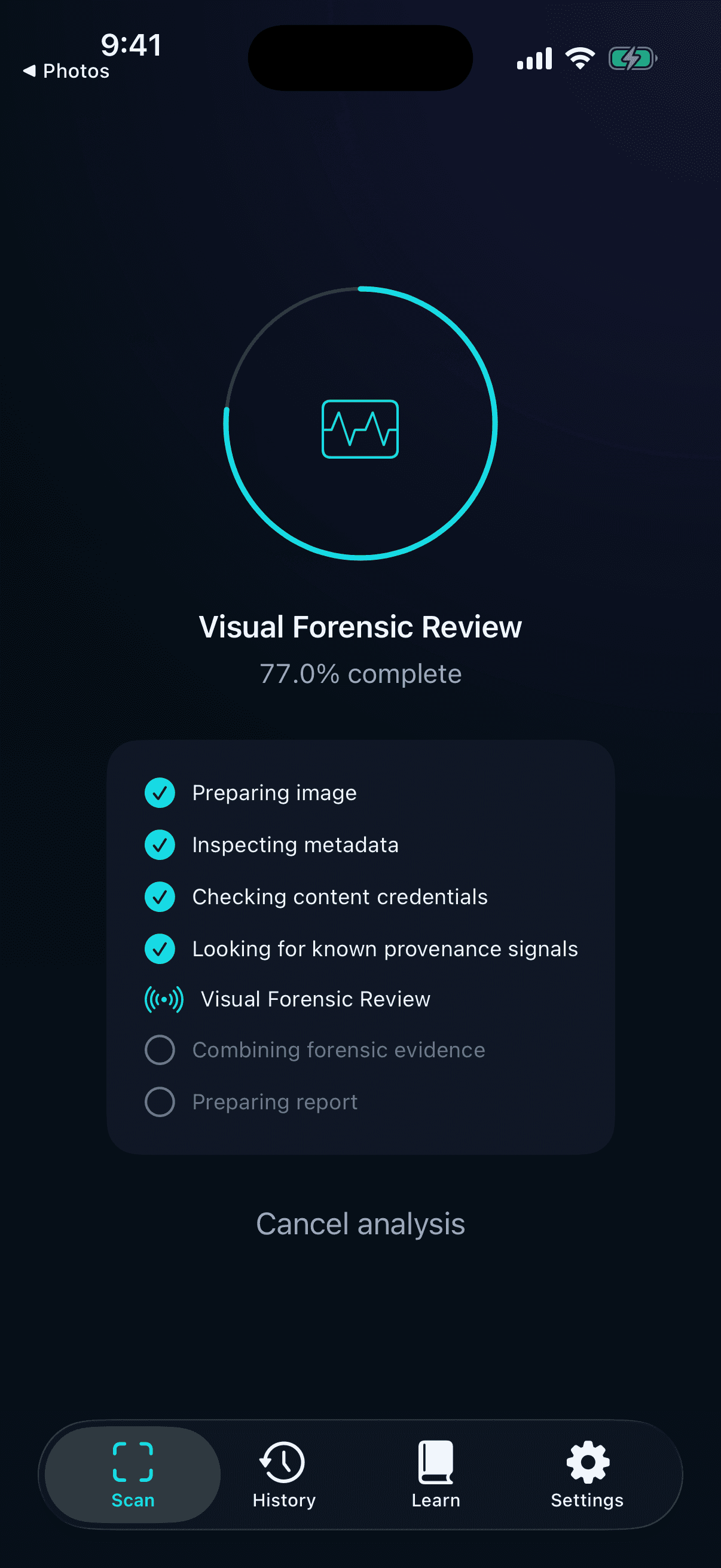
Watch independent checks build the picture.
FotoFidelity runs a multi-stage scan that combines file evidence, provenance checks, compression patterns, and an optional visual forensic review.
- Multi-stage scanning
- Metadata inspection
- Watermark detection
- AI model fingerprint checks
- Compression analysis
Detailed results
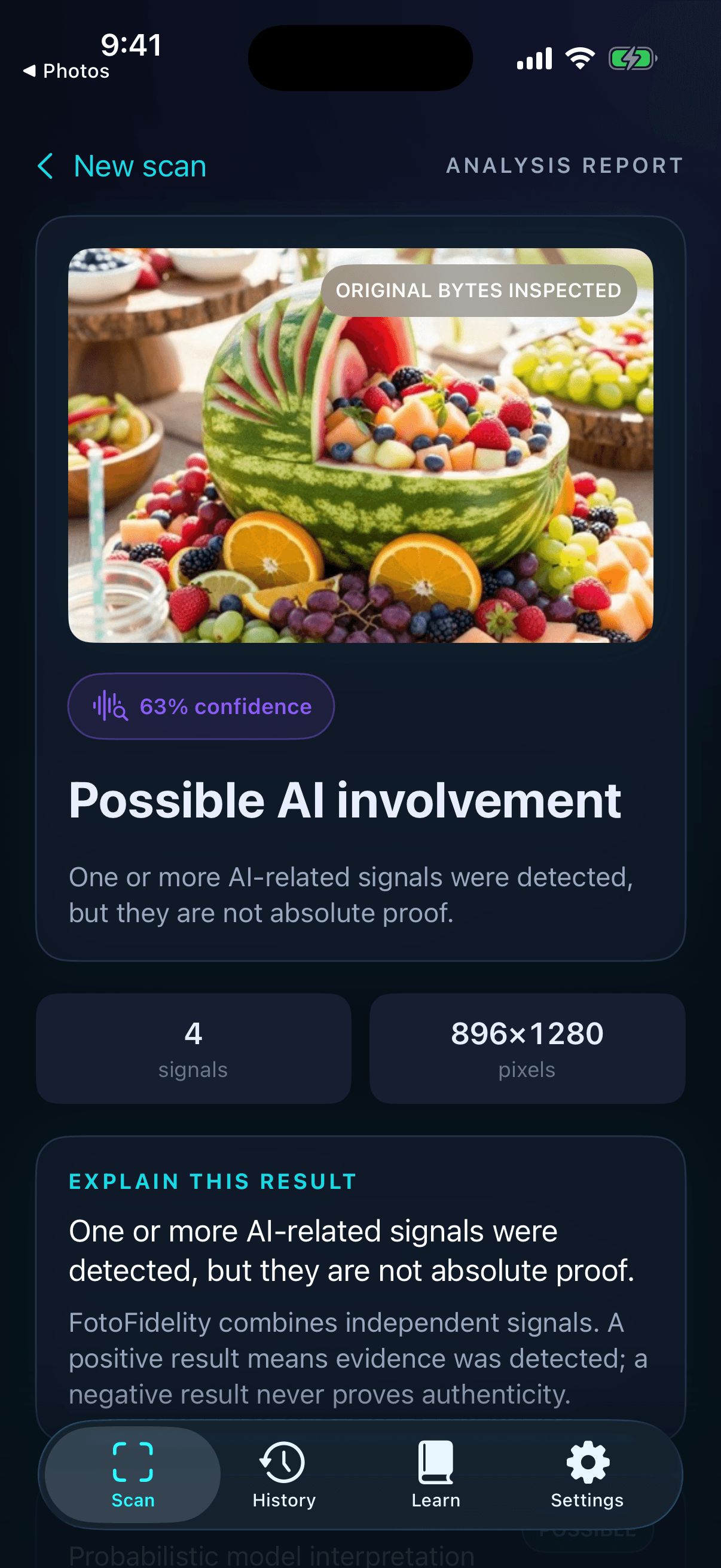
A confidence score with the evidence behind it.
A FotoFidelity report separates findings from conclusions. See which signals were found, why they matter, and what the result can—and cannot—tell you.
- Confidence score
- AI watermark status
- Metadata findings
- Scan summary
- Recommendations
- Visual confidence indicators
Every angle covered
A modern forensic toolkit in your pocket.
Twelve focused capabilities work together to expose useful signals without collapsing a complex result into a misleading yes or no.
AI Watermark Detection
Looks for supported invisible AI provenance signals.
Metadata Inspection
Surfaces file, camera, software, and editing clues.
Image Fingerprinting
Checks known generator and content-credential patterns.
Compression Analysis
Inspects encoding and recompression inconsistencies.
Visual Artifact Detection
Reviews edges, textures, lighting, and visual coherence.
Fast Cloud Processing
Runs deeper visual review only with clear consent.
Privacy Focused
Keeps local checks on-device and explains cloud use.
Modern Interface
Presents complex evidence in a calm, readable report.
Secure Uploads
Uses encrypted transport for opted-in cloud analysis.
Scan History
Returns to previous reports without losing context.
Confidence Scores
Communicates probability without pretending it is proof.
Continuous Improvements
Detection methods can evolve as generators change.
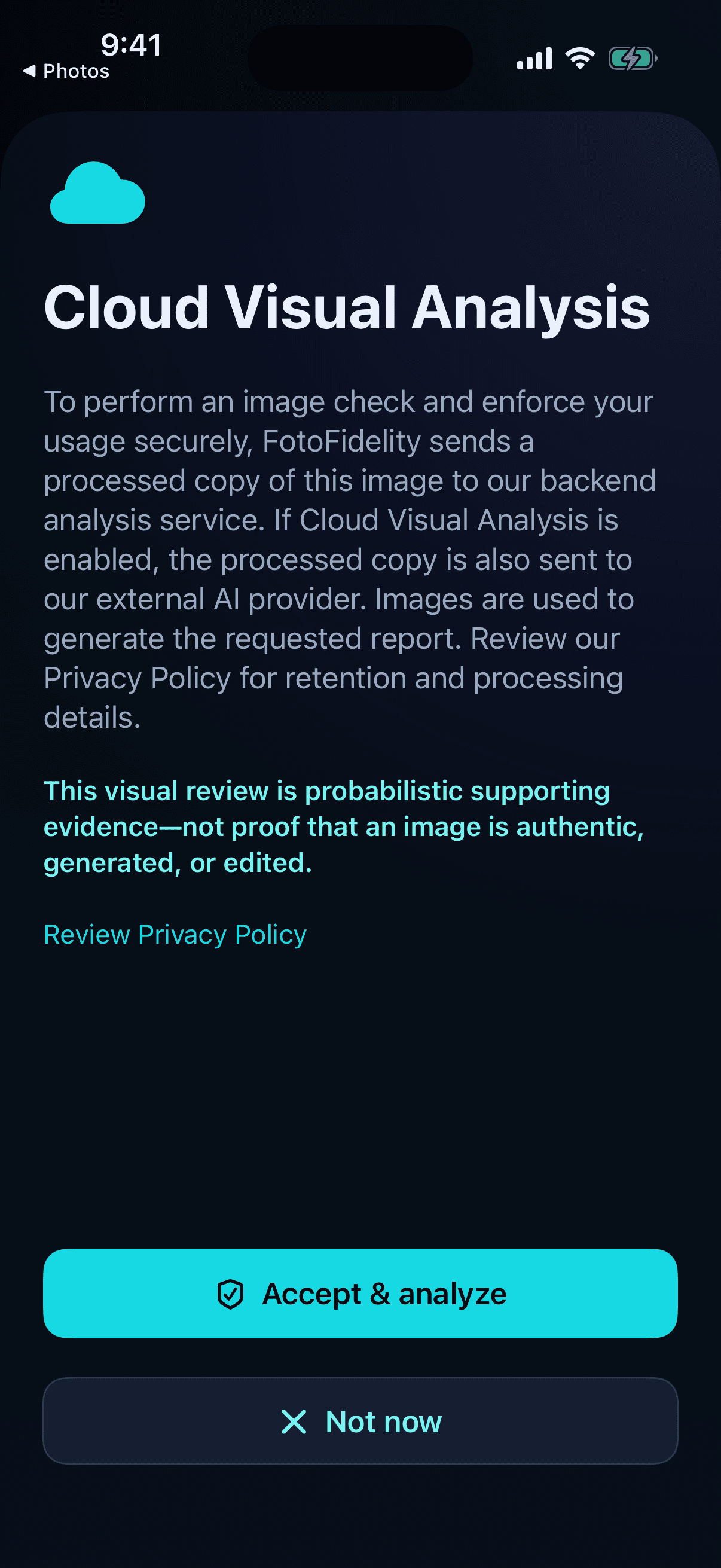
Private by design
Cloud analysis begins with your consent.
FotoFidelity explains when a processed image must leave your device, what the cloud review does, and why probabilistic evidence is not proof.
How it works
From image to explained evidence in three steps.
STEP 01
Upload an image.
Choose a supported image from Photos, your camera, or another available source.
STEP 02
Analyze the signals.
FotoFidelity checks dozens of metadata, provenance, compression, and visual indicators.
STEP 03
Understand the report.
Receive a comprehensive, cautious explanation of what was found and what it means.
Why FotoFidelity
More evidence. Better explanations. Fewer assumptions.
Detection is strongest when independent signals are considered together and limitations stay visible.
Other Tools
A single signal, little context.
- Single detection method
- Limited explanations
- Basic metadata only
- No watermark detection
- Generic confidence scores
FotoFidelity
Layered evidence, clearly explained.
- Multi-layer analysis
- Watermark detection
- Metadata analysis
- Visual artifact analysis
- Detailed explanations
- Modern interface
- Privacy first

Scan history
Keep the evidence organized.
Find earlier scans by filename or generator, return to the full report, and compare what FotoFidelity found over time.
Frequently asked questions
The important details, without the fine-print fog.
What images can I scan?
FotoFidelity supports common photo formats including JPEG, PNG, HEIC, WebP, and TIFF. Results are strongest when the original file is available rather than a heavily resized screenshot.
How accurate is detection?
AI-image detection is probabilistic. FotoFidelity combines multiple independent signals and explains its findings, but no detector can guarantee that an image is authentic or AI-generated.
Does FotoFidelity store my images?
Local checks stay on your device. If you explicitly enable cloud visual analysis, a processed copy is sent securely for the requested analysis and handled according to the FotoFidelity Privacy Policy.
Can AI-generated images avoid detection?
Yes. Resizing, editing, screenshots, removed metadata, unsupported generators, and new generation techniques can weaken or remove detectable signals. FotoFidelity reports evidence, not absolute proof.
What is an AI watermark?
An AI watermark is a machine-readable signal embedded by some generation systems to indicate an image's synthetic origin or provenance. It may be invisible to the human eye.
How long does a scan take?
Timing depends on image size, the checks selected, network conditions, and whether cloud visual review is enabled. The app shows each analysis stage while it works.
Is my data private?
FotoFidelity is designed to minimize data use, keep supported checks on-device, request consent before cloud analysis, and use secure transport when a processed image must be analyzed remotely.
See more than a score
Start Detecting AI Images Today
Inspect the signals behind an image and get an accessible report that explains what FotoFidelity found.