
 Native macOS TCP Listener Inspector
PortPulse
Find it. Kill it. Free the port.
A polished macOS utility for developers who need to identify what process is using a port and terminate it safely when local tooling gets stuck.

Live Process View
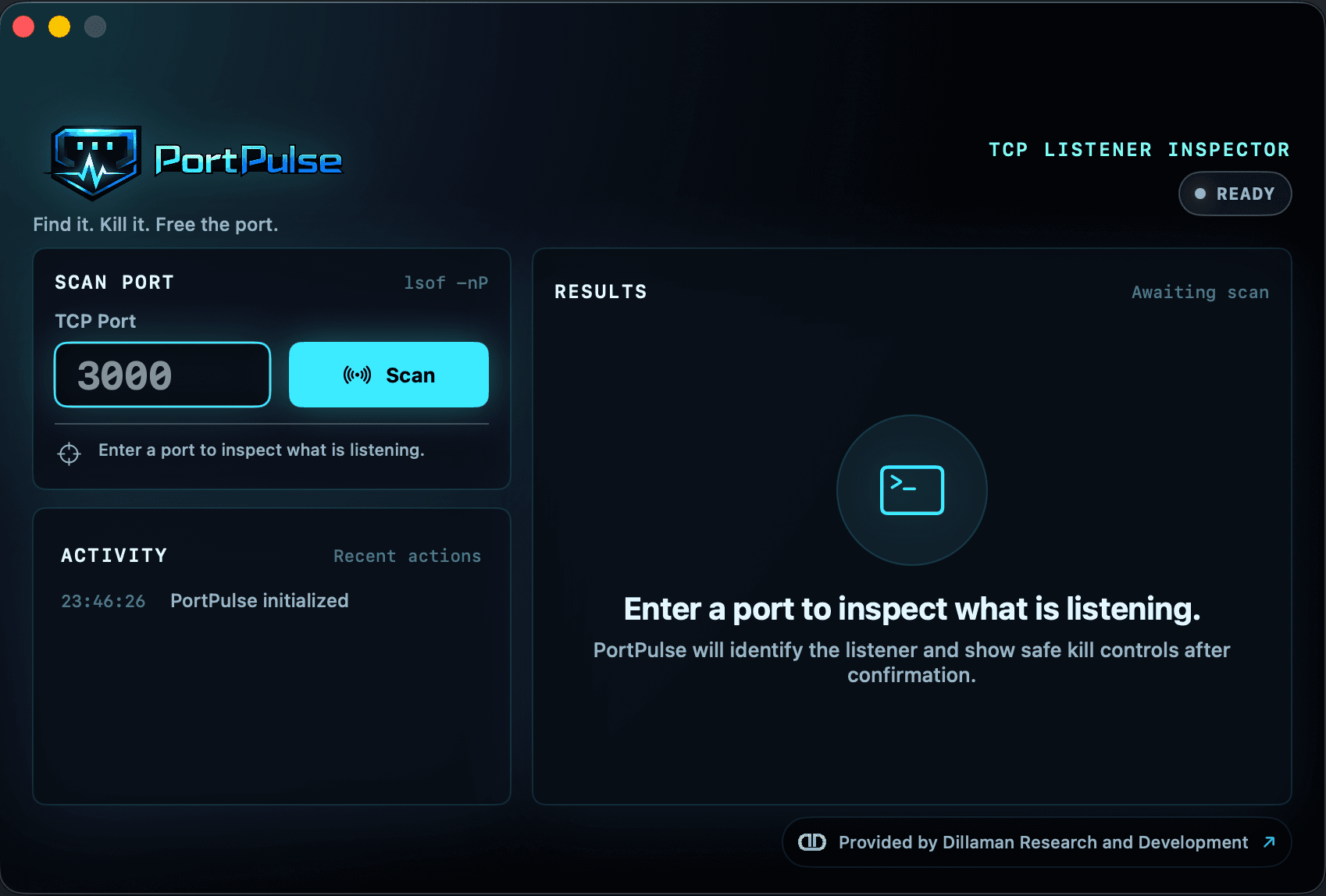
Port 3000 inspection workflow
Premium macOS Utility
Find the process. Confirm the target. Free the port.
PortPulse is a premium macOS utility for developers that makes it fast and safe to identify what process is using a port and terminate it when needed.
1-65535
TCP ports supported
PID + command
Process context
SwiftUI
Native macOS feel
Everything needed to inspect, understand, and clean up local TCP listeners.
PortPulse keeps the workflow intentionally small: enter a port, inspect the listener, verify the process details, and choose the right cleanup action.
TCP port entry
Enter any TCP port from 1-65535 and keep the workflow focused on the exact local listener you need to inspect.
Instant listener scan
Scan for listening processes quickly so blocked dev servers and stuck local tools stop eating your debugging time.
Process detail view
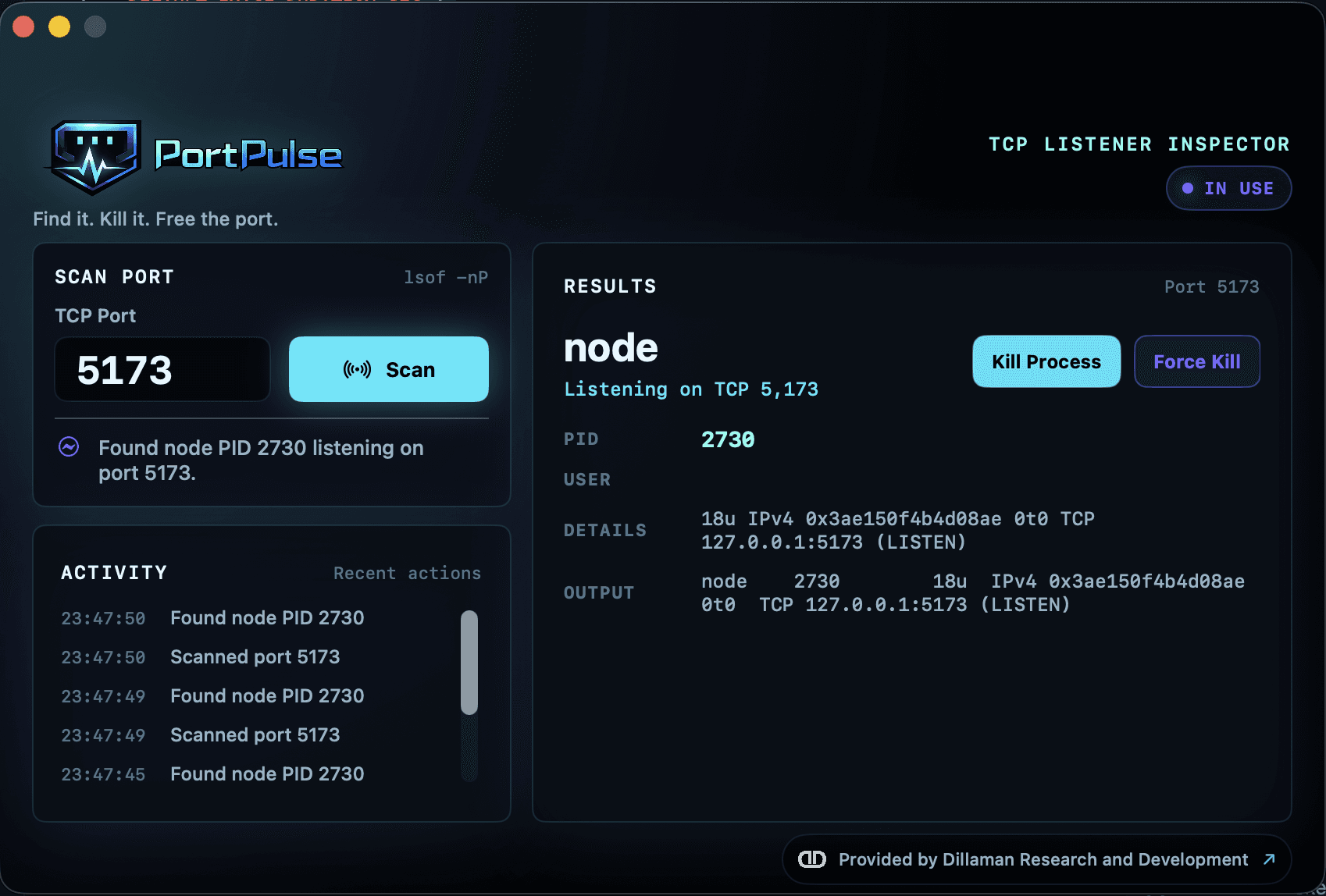
See PID, process name, user, and command details before deciding whether the process should be terminated.
Confirmation-first kill
Terminate a process only after confirmation, with the process identity visible before anything destructive happens.
Optional force kill
Use a stronger kill action for stubborn processes when the normal cleanup path cannot release the port.
Clean activity log
Review recent scans and kill actions in a focused activity stream built for fast local troubleshooting.
Native macOS experience
A sleek SwiftUI interface that feels at home on macOS while keeping developer-grade details close by.
Built for dev stacks
Designed for local servers, Next.js, Node, Docker, APIs, and the tools developers restart all day.
A sharp, high-contrast interface for port cleanup under pressure.
Default State
Ready to scan
The main console keeps the port input, scan action, results area, and recent activity visible without extra navigation.
Port In Use
Listening process found
When a listener is found, PortPulse surfaces the process identity and command context before presenting cleanup actions.
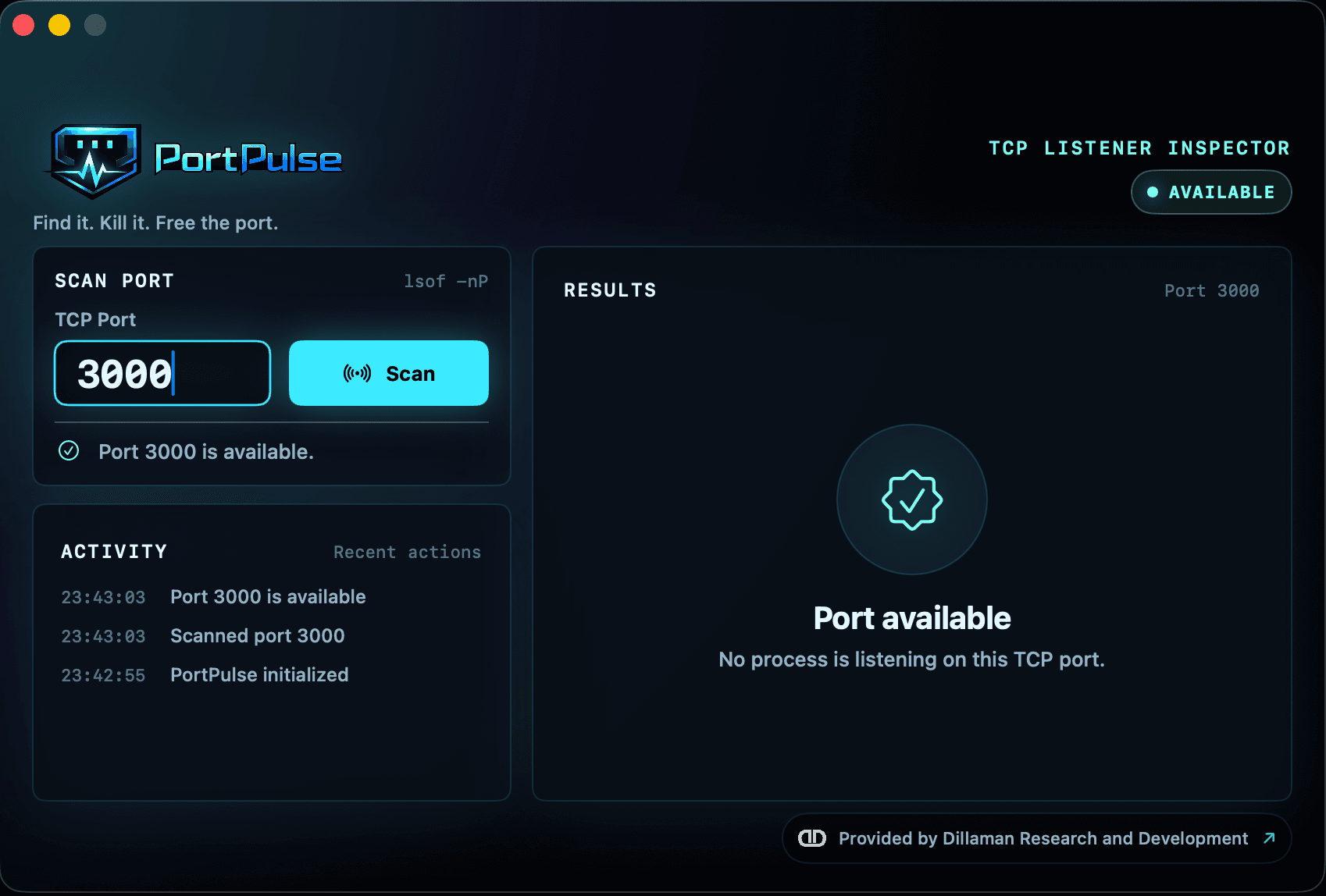
Clear Result
Port available
Clear empty-port feedback helps confirm when a blocked server has been cleaned up and the port is ready again.
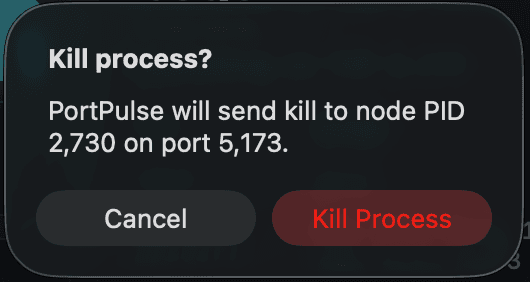
Safety Check
Kill confirmation
The normal termination path asks for confirmation before acting, so process cleanup stays intentional.
Advanced Action
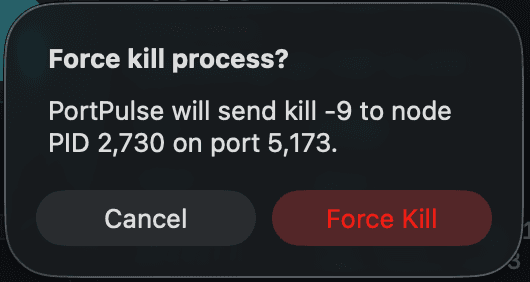
Force kill option
A force kill option is available for stubborn processes, but it remains explicit and separate from the safer default action.
Built for developers working in fast local feedback loops.
PortPulse is aimed at the practical moments when local dev servers, Node processes, Docker-backed workflows, API testing tools, and terminals leave a port stuck in use.
Download for macOSPowerful cleanup controls with visible process context first.
PortPulse is designed to make process termination a deliberate choice, not a mystery button.
Details before action
PortPulse shows the process name, PID, user, and command details so you know what is listening before you act.
Confirmation required
Kill actions require user confirmation, keeping termination deliberate instead of accidental.
Clear errors
Permission errors and failed cleanup attempts are surfaced clearly so you can choose the next safest step.
Ready to free the port?