
DillaDev Notes
April 30, 2026
Creality K1C Error 111: full fix guide
If your K1C is throwing Error Code 111, you are not alone. Most online fixes stop too early. This guide shows the real-world path that actually works.
What It Means
Hotend temperature reading failure.
The printer cannot properly read temperature, assumes something is wrong, and shuts down to prevent damage.
Quick Fix Checklist
Try this before tearing it apart.
Power cycle the printer
Check all visible cable connections
Reseat the hotend connector
Inspect for pinched or broken wires
Common Causes
Step-by-Step Fix Guide
Work from cheap and likely to expensive and overlooked.
Replace the thermistor
Fix
Replace the thermistor and make sure it is seated correctly in the hotend.
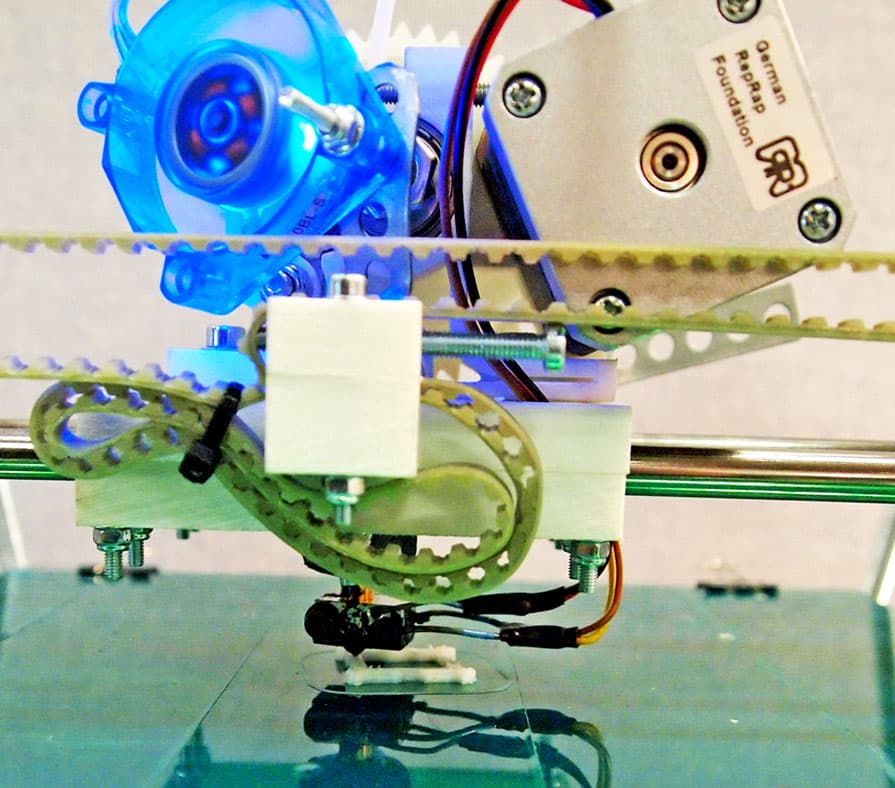
Check or replace the hotend cable
Fix
Replace the hotend cable if there is visible damage or if the connection changes when the toolhead moves.
Replace the toolhead board
Fix
Replace the toolhead board, but do not assume this is the final fix. Error 111 can still persist.
Replace the mainboard
Fix
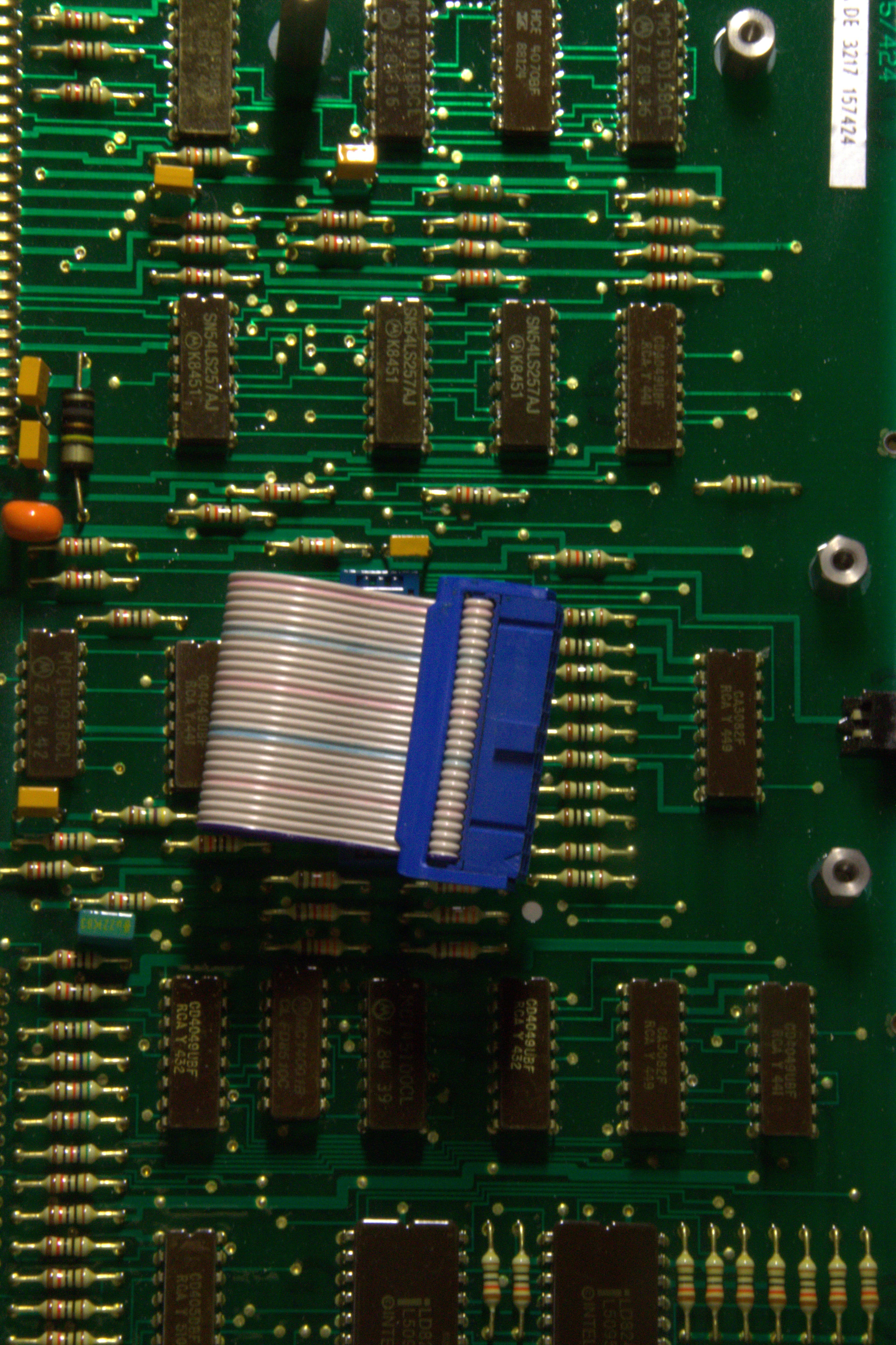
Replace the mainboard. The thermistor signal is processed there, so a damaged input can keep reporting failure.
The Real Fix
If the first three fixes fail, suspect the mainboard.
The thermistor signal is ultimately processed on the mainboard. If that input is damaged, the printer can keep reporting Error 111 even after the thermistor, cable, and toolhead board are replaced.
Thermistor
still brokenCable
still brokenToolhead board
still brokenMainboard
fixedRepair if...
Replace if...
Pro Tips
Save time and money.
Always start with the cheapest components first.
Do not assume the first fix worked. Test thoroughly.
If multiple fixes fail, skip ahead to the mainboard.
Avoid excessive cable strain and inspect wiring regularly.
Keep firmware updated, but treat Error 111 as hardware until proven otherwise.
Need Help Fixing Your K1C?
Stop guessing and get the printer back online.
DillaDev diagnoses the issue fast, replaces only what is necessary, and helps you decide whether repair still makes sense.