
DillaDev Notes
April 30, 2026
Is it worth repairing a 3D printer or buying new?
When your 3D printer breaks, the first question is simple: should you fix this, or just replace it? The wrong answer can cost time, money, and production downtime.
First Filter
Use the 50% rule.
If repair costs more than about 50% of a new printer, replacement usually deserves serious consideration.
Example
$700 printer
$350+ repair estimate: usually better to upgrade.
What Repair Means
Restore the machine by fixing the failed part.
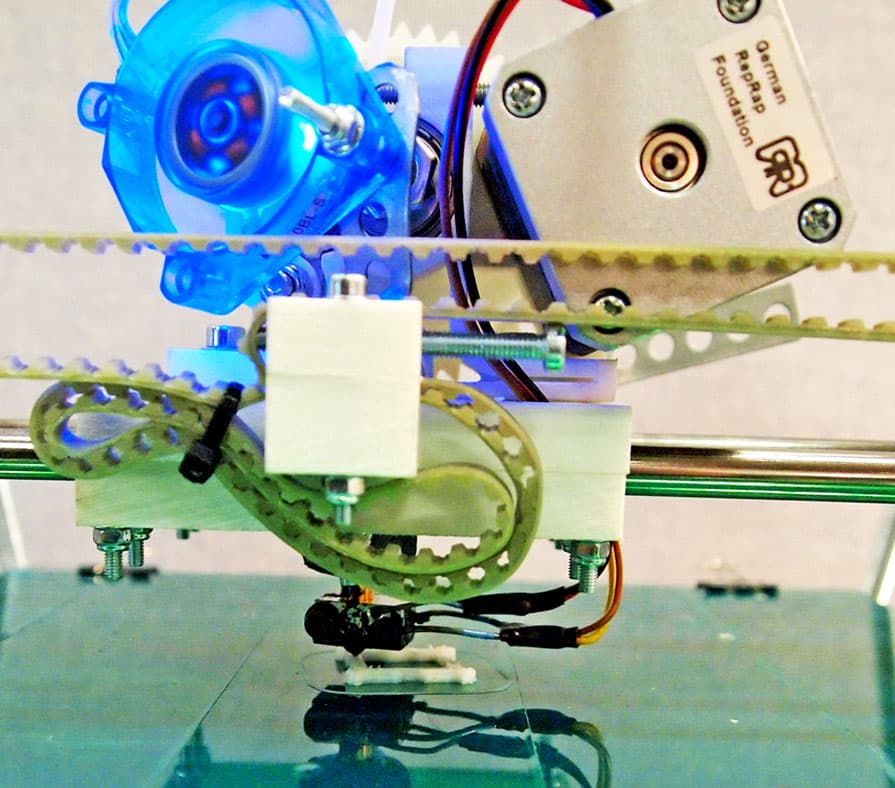
Repairing a 3D printer means restoring it to working condition by fixing or replacing damaged components. That could mean a hotend, thermistor, wiring, board, stepper motor, firmware issue, or calibration problem.
Simple fixes
Nozzles, belts, sensors, and calibration problems are usually worth diagnosing.
Risky fixes
Board-level electronics and repeat failures are where replacement starts to look smarter.
Repair
When you should repair your printer
Repair makes sense when the problem is bounded, parts are available, and the machine still fits the job.
It is a simple, known issue
Clogged nozzles, bad thermistors, loose belts, and bed leveling problems are often quick repairs in the $10 to $50 range.
You own a higher-end machine
Replacing a $1,000+ printer over a $100 issue usually does not make sense when parts and support are available.
You need immediate uptime
If the printer is tied to Etsy orders, prototypes, or production work, a fast repair can beat waiting for a replacement.
It is mechanical, not electronic
Mechanical problems are usually easier to diagnose, cheaper to fix, and less risky long-term.
Replace
When you should replace instead
Replacement makes sense when the repair does not solve the real bottleneck: reliability, speed, or business output.
Mainboard or electronics failure
Board replacements can be expensive, troubleshooting takes time, and cheaper printers may not justify the risk.
Constant recurring issues
Repeated first-layer problems, extrusion inconsistency, and random failures quietly eat your time and output.
Entry-level printer limits
Slow speeds, limited automation, and lower reliability can make an upgrade more valuable than another repair.
You have outgrown the printer
If you need faster prints, multi-color workflows, or better consistency, new hardware may unlock real growth.
Repair vs Replace
Side-by-side decision guide.
Cost
Lower upfront
Higher upfront
Time
Faster, usually
Slower setup and tuning
Performance
Same as before
Often much better
Risk
Unknown future issues
Clean slate
ROI
Short-term
Long-term
Business Perspective
The real question is return on time and output.
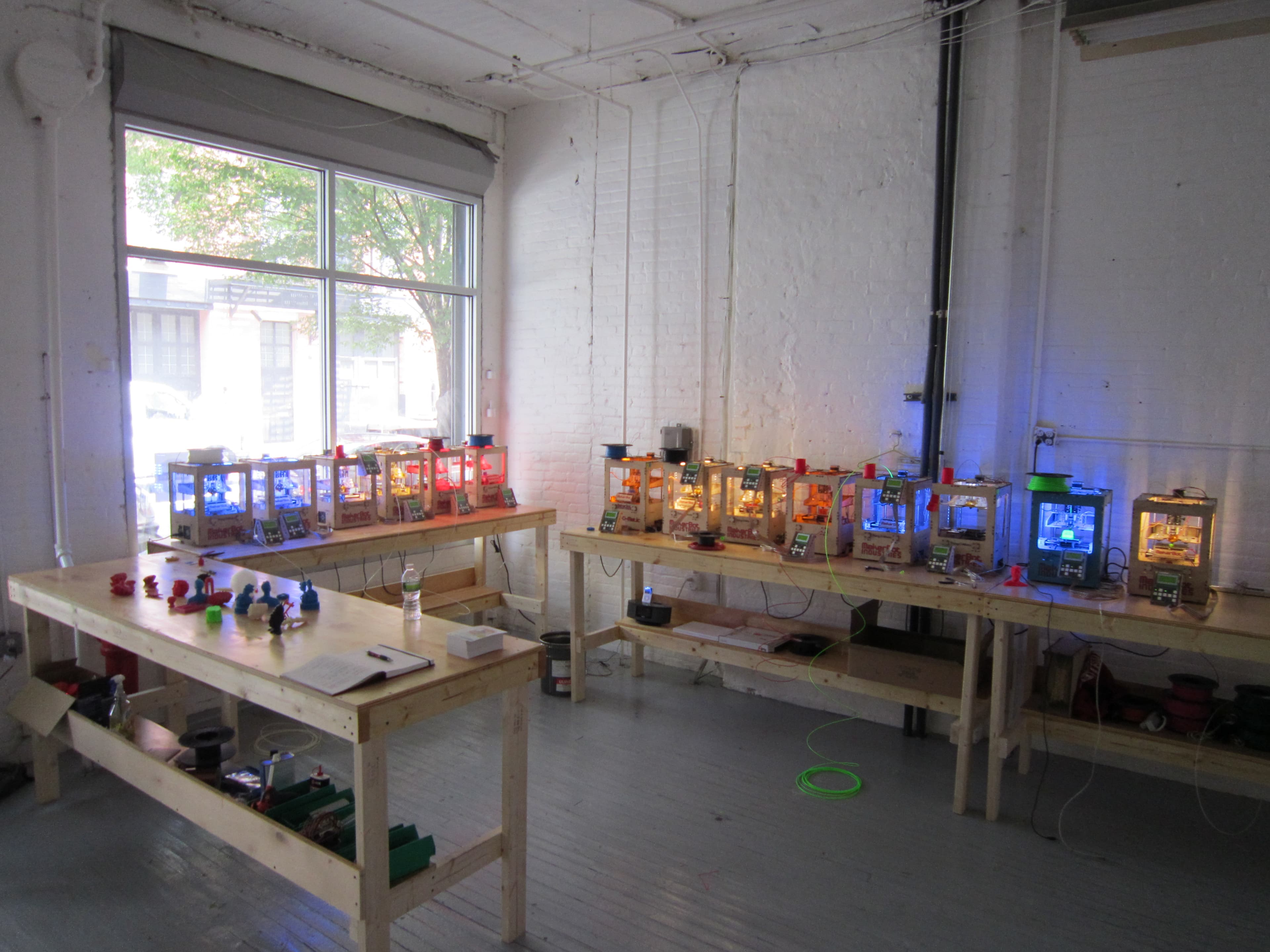
If you are running a 3D printing business, the repair bill is only one part of the equation. A faster printer can increase production capacity, reduce failed prints, and improve consistency.
Capacity
More parts per day
Failure rate
Less wasted filament
Consistency
Better customer outcomes
Repair if...
Small, known issue
Under about 50% of replacement cost
High-quality printer
Need quick turnaround
Replace if...
Major electronics failure
Frequent ongoing issues
Outgrown the machine
Upgrade improves productivity
Unsure? Get a diagnosis first.
Many issues look major but are actually simple fixes. DillaDev can diagnose the problem, give an honest repair vs replace recommendation, and help with repair services or upgrade guidance.