
DillaDev Notes
April 30, 2026
Why your Bambu Lab A1 prints are warping
If your prints are lifting, curling, or peeling off the bed, you are dealing with warping. On the Bambu A1, it is almost always fixable in minutes, not hours.
Quick Fix Checklist
Do this first.
Clean the build plate with dish soap and warm water
Increase bed temperature by 5 to 10 deg C
Slow down the first layer speed
Add a 5 to 10 line brim
What Is Warping?
Uneven cooling pulls the print upward.
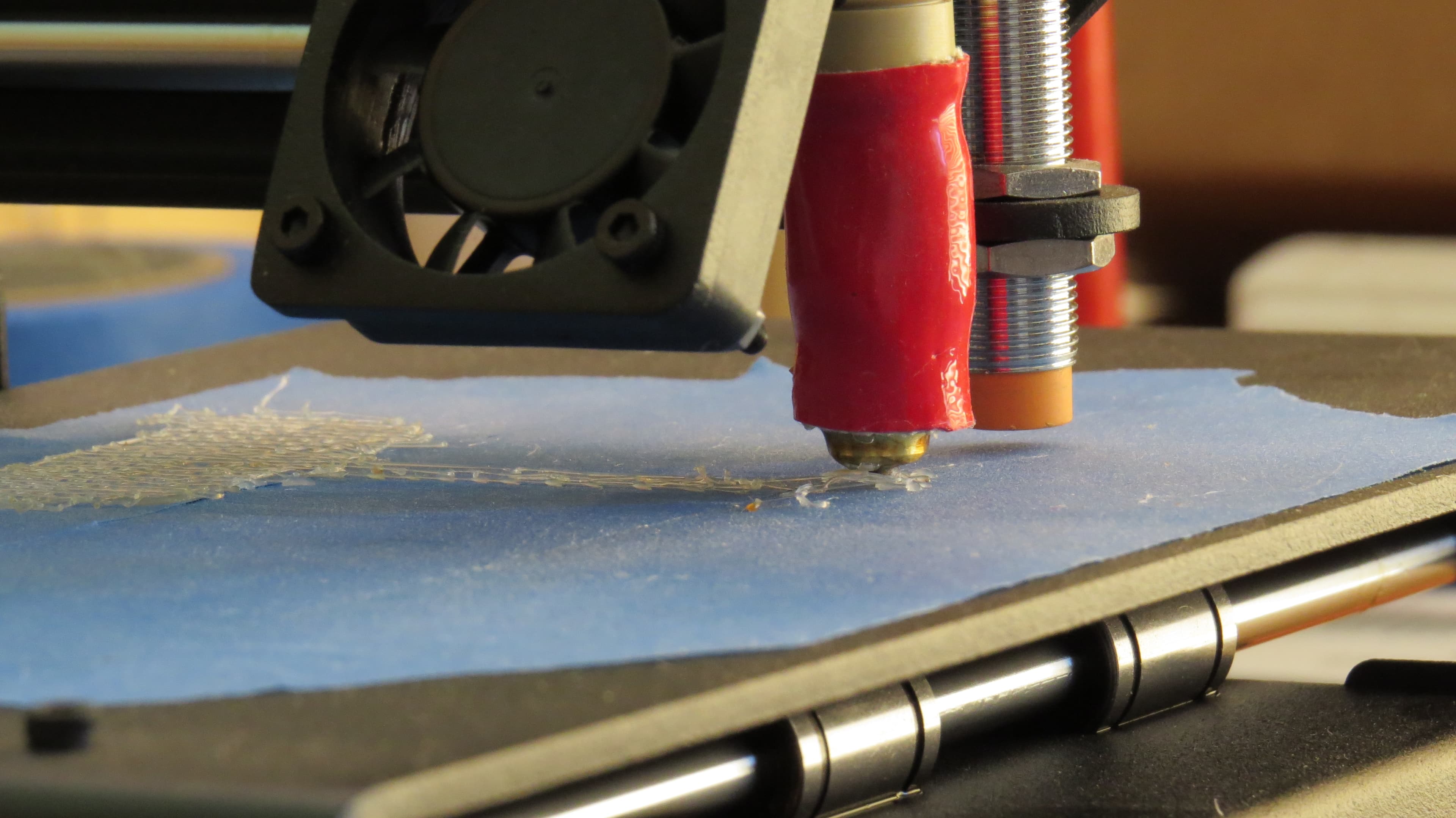
Warping happens when parts of your print cool and shrink unevenly. Corners usually lift first because they lose heat faster and concentrate stress near the edges of the part.
What Is Actually Happening
Plastic expands when hot, shrinks as it cools, and creates internal stress when cooling is uneven. Your goal is to keep the first layers stable while the rest of the part prints.
Root Causes
The seven issues to check on a Bambu A1.
Dirty build plate
Oils from your fingers reduce adhesion significantly, even on a Bambu printer.
Fix
Wash the plate with dish soap and warm water, dry completely, and avoid touching the surface afterward.
Bed temperature too low
If the bed is not hot enough, the first layers will not stay locked down.
Fix
Try PLA at 55 to 65 deg C and PETG at 70 to 80 deg C. Increase in 5 deg C steps.
Drafts and airflow
AC vents, open windows, and ceiling fans can cool one side of the print faster than the other.
Fix
Move the printer away from airflow and consider a basic enclosure if the room is drafty.
First layer issues
Gaps, poor squish, and uneven extrusion create a weak base that lets corners lift.
Fix
Run auto-calibration again, make sure the nozzle is clean, and check any manual Z-offset changes.
Wrong surface
PLA, PETG, and other materials behave differently on different plate surfaces.
Fix
Try a different Bambu plate surface or use glue stick for tricky materials that need a controlled release layer.
Print settings too aggressive
The A1 is fast, but rapid first layers and cooling can work against adhesion.
Fix
Slow the first layer to 15 to 25 mm/s and reduce cooling fan behavior for the early layers.
Model design issues
Large flat surfaces, sharp corners, and thin edges are more likely to pull upward.
Fix
Add a brim, round sharp corners slightly, or use fillets in CAD when the design allows.
Brim vs Raft
Start with a brim.
A brim is faster, easier to remove, and works in most cases. Use 5 to 10 lines when corners keep lifting.
Raft
Use rafts only when needed.
A raft gives more aggressive adhesion, but it uses more material, takes longer, and usually needs more cleanup.
Fastest Fix Strategy
The practical order I recommend.
Clean the bed with soap and water, increase bed temp by 5 deg C, add a 5 to 10 line brim, and slow the first layer. This solves most A1 warping issues immediately.
When It Is Not Your Settings
If the same problem keeps coming back, inspect the hardware.
Need Help?
Get your prints dialed in fast.
DillaDev diagnoses failed prints, fixes calibration and hardware problems, and helps optimize printers for reliable output.